Description
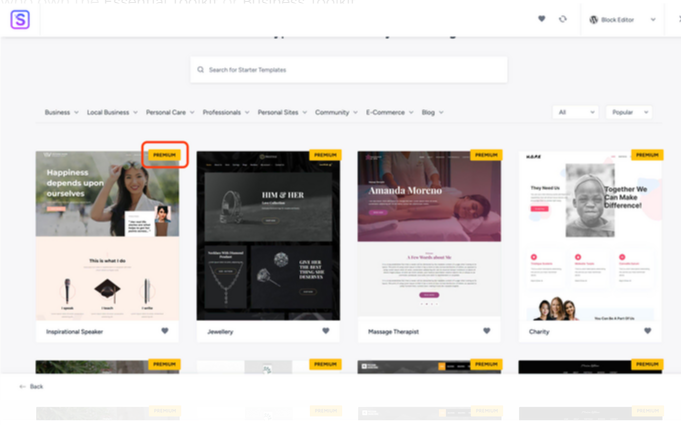
In the website templates library, templates with premium icons are accessible only to those who own the Essential Toolkit or Business Toolkit.
Template Library
Once you purchase Essential Toolkit or Business Toolkit, follow the steps below to install the plugin and activate its license. Activating the license will allow you to import starter templates with the premium icon.
Downloading the Premium Starter Templates Plugin
Login to your Store account.
Visit Account > Dashboard.
brainstorm force dashboard
Here, download the Premium Starter Templates plugin by clicking on the “download” icon.
download the plugin
From your WordPress dashboard, navigate to Plugins > Add New > Upload Plugin and upload the zip from the above step.
Upload Plugin
Once you upload this plugin, you’re all set.
Note: The Premium Starter Templates is a different plugin than the Starter Templates plugin that is available for free on WordPress.org.
Once you are set with the plugin start importing your favorite template.