
Description
Divi Takes WordPress To A Whole New Level With Its Incredibly Advanced Visual Builder Technology
You’ve never built a WordPress website like this before. Divi is more than just a WordPress theme, it’s a completely new website building platform that replaces the standard WordPress post editor with a vastly superior visual editor. It can be enjoyed by design professionals and newcomers alike, giving you the power to create spectacular designs with surprising ease and efficiency.
The Future of WYSIWYG

Drag & Drop Building
Add, delete and move elements around on the front end of your website. No coding and no confusing back end options.

True Visual Editing
Design your page in real time and see the results instantly. Create and customize your pages using intuitive visual controls.

Custom CSS Control
Developers can easily combine Divi’s visual design controls with their own custom CSS. Divi’s interface is simple yet not limiting.

Responsive Editing
Building beautiful responsive websites is easy. Divi is responsive by nature and also gives you full control over how your website looks on mobile devices.

Design Options Galore
Enjoy dozens of unique page elements and thousands of design options. Divi gives you full design control over your website.

Inline Text Editing
Just click and start typing! Editing your page has never been this easy. Draft pages on the front end and see the results instantly as you type.

Save & Manage Your Designs
Save and manage unlimited custom designs. Easily re-use them to jump-start new pages. Create advanced design systems and streamline your work flow.

Global Elements & Styles
Manage your entire website’s design using global elements and website-wide design settings. Divi isn’t just a page builder, it’s a website design system.

Undo, Redo, & Revisions
Divi works like a modern software application. Easily undo, redo and travel through your entire editing history. If you make a mistake, Divi has your back.
Divi is For Everyone
Freelancers
Divi makes building websites for your clients so much easier, faster and more enjoyable. With Divi, you can build anything using a single platform, instead of managing dozens of different themes.
Agencies
Divi makes building websites faster and more efficient. It will streamline your design process and improve team collaboration. It’s also amazingly affordable. Build unlimited websites for your clients on a single membership.
Website Owners
Divi makes building websites easier. For beginners and website owners, Divi gives you the freedom to bring your own visions to life. Anyone can jump into Divi thanks to its visual editor and hundreds of pre-made designs.
200+ Website Elements
A Module For Everything
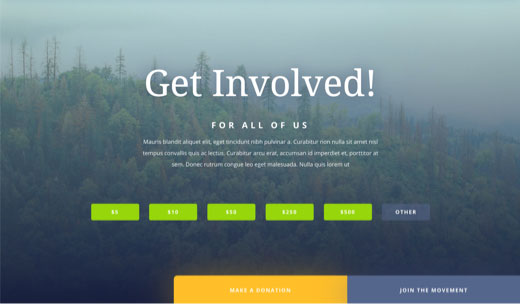
Call to Actions
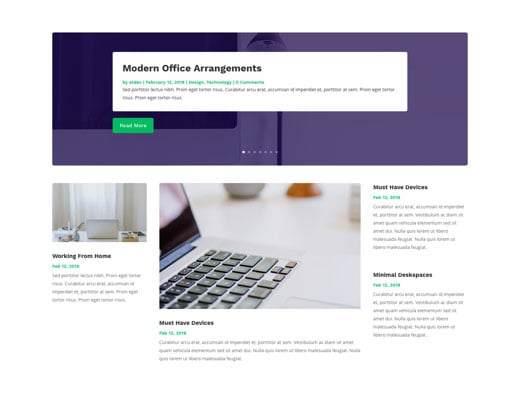
Blogs
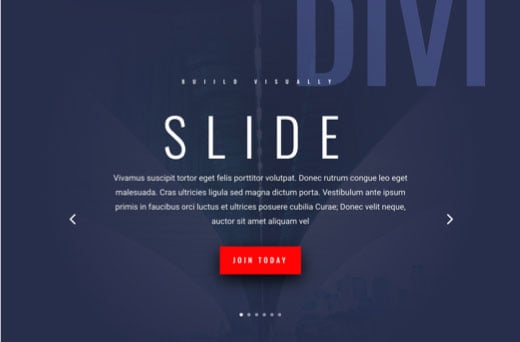
Sliders
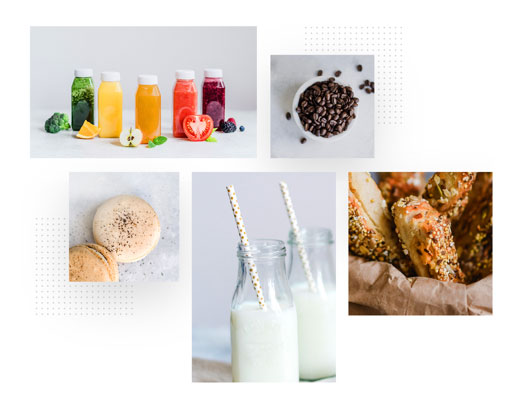
Galleries
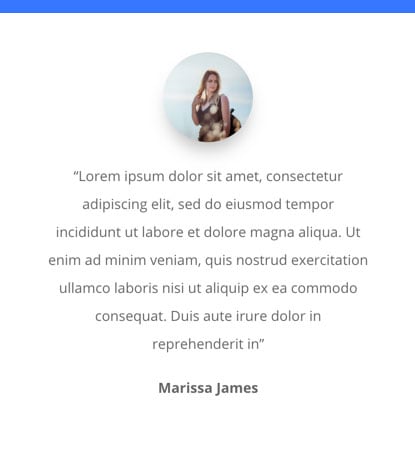
Testimonials
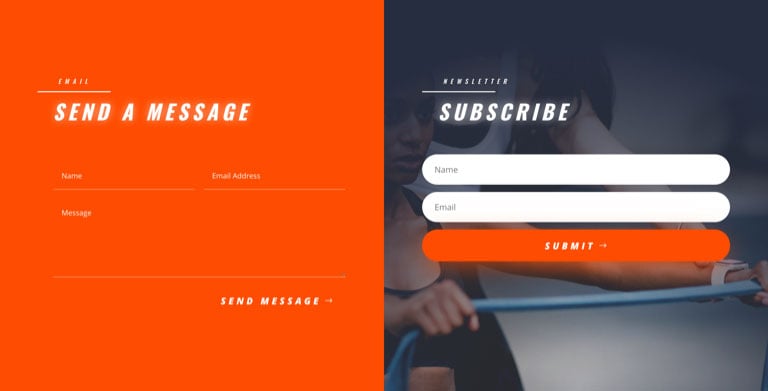
Forms
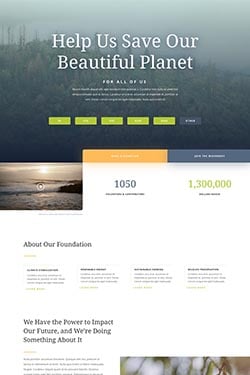
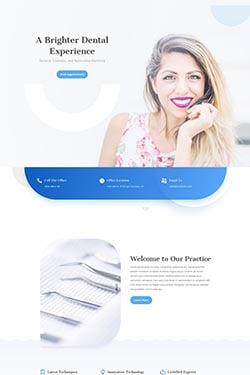
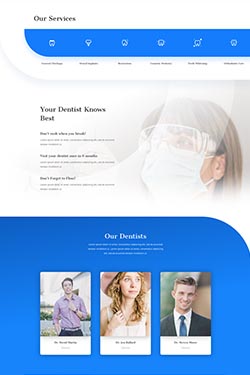
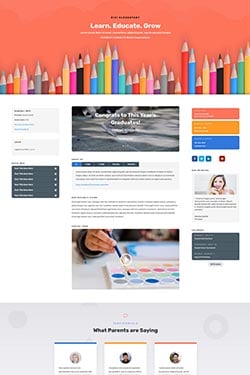
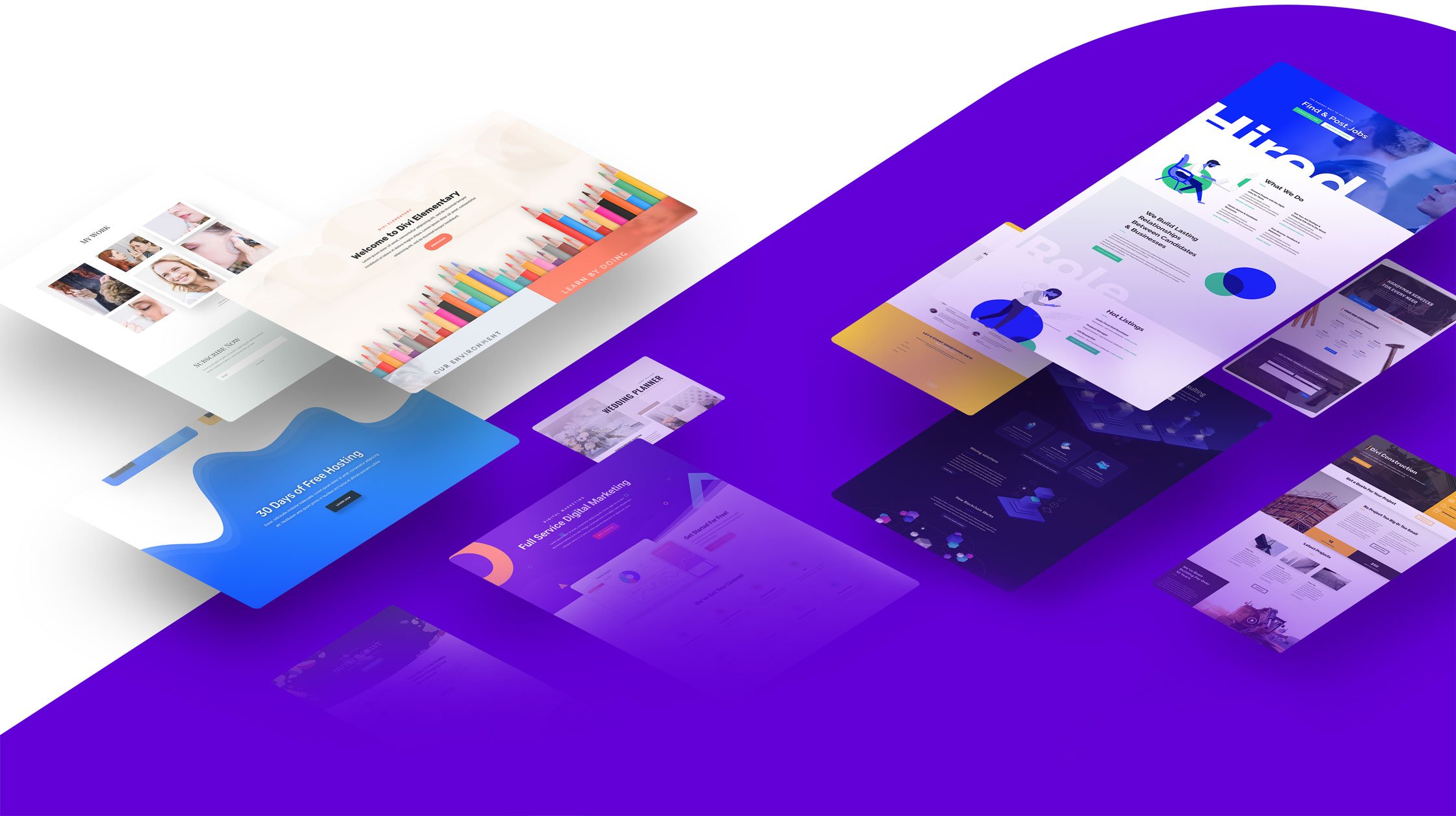
2,000+ Pre-made Designs
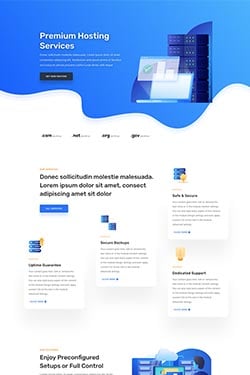
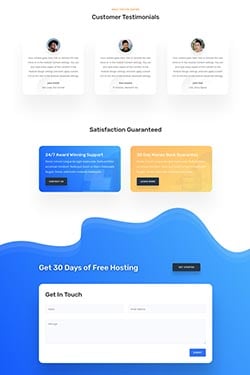
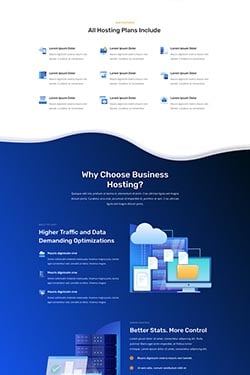
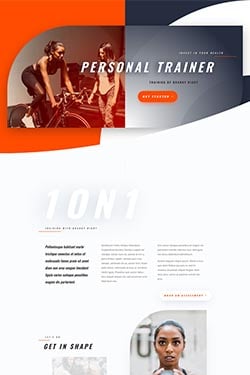
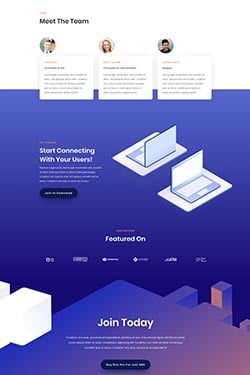
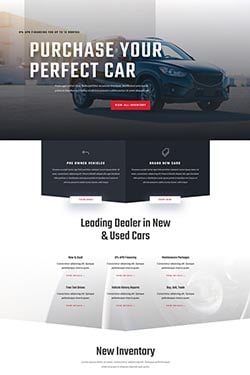
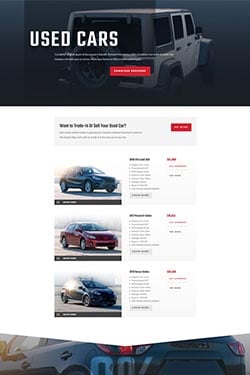
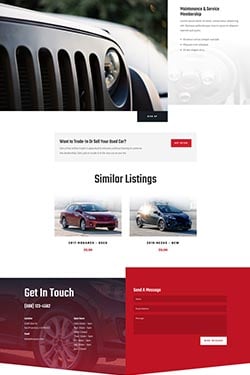
200+ Full Website Packs
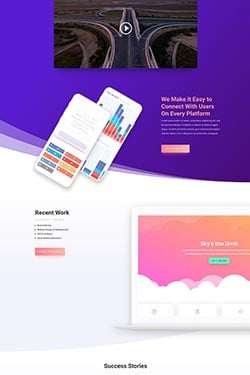
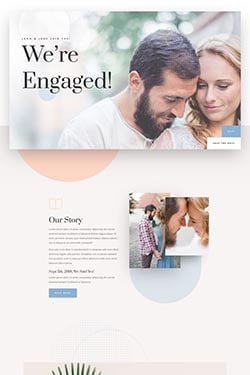
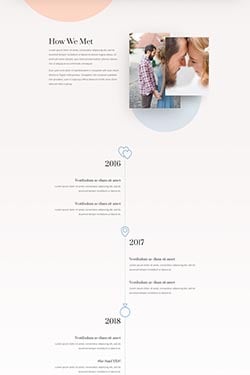
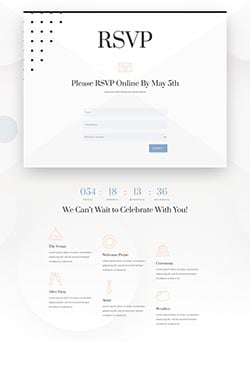
Over 2,000 pre-made website layouts come packaged right inside of Divi for free. Brand new layouts are added weekly along with royalty free photos, icons, and illustrations.

The Complete WordPress Design System Is Here
Complete Design Control
Divi isn’t just a WordPress theme, it’s a complete design framework that allows you to design and customize every part of your website from the ground up. You have control over everything down to the finest detail. Create the perfect websites for you and your clients.
Optimize & Convert
Divi not only comes with powerful design tools, it also helps you make your website a success. Build your marketing lists with Bloom pop-ups. Promote your website on social media with Monarch social sharing. Increase website conversions with Divi Leads split testing.
Build Websites Faster
If you are a web design professional, you will be amazed by Divi’s speed and efficiency. Divi isn’t just an easy-to-use website builder for beginners, it’s an advanced design system that can help take your team’s work flow to the next level.
Customization
Complete Design Control Over Everything
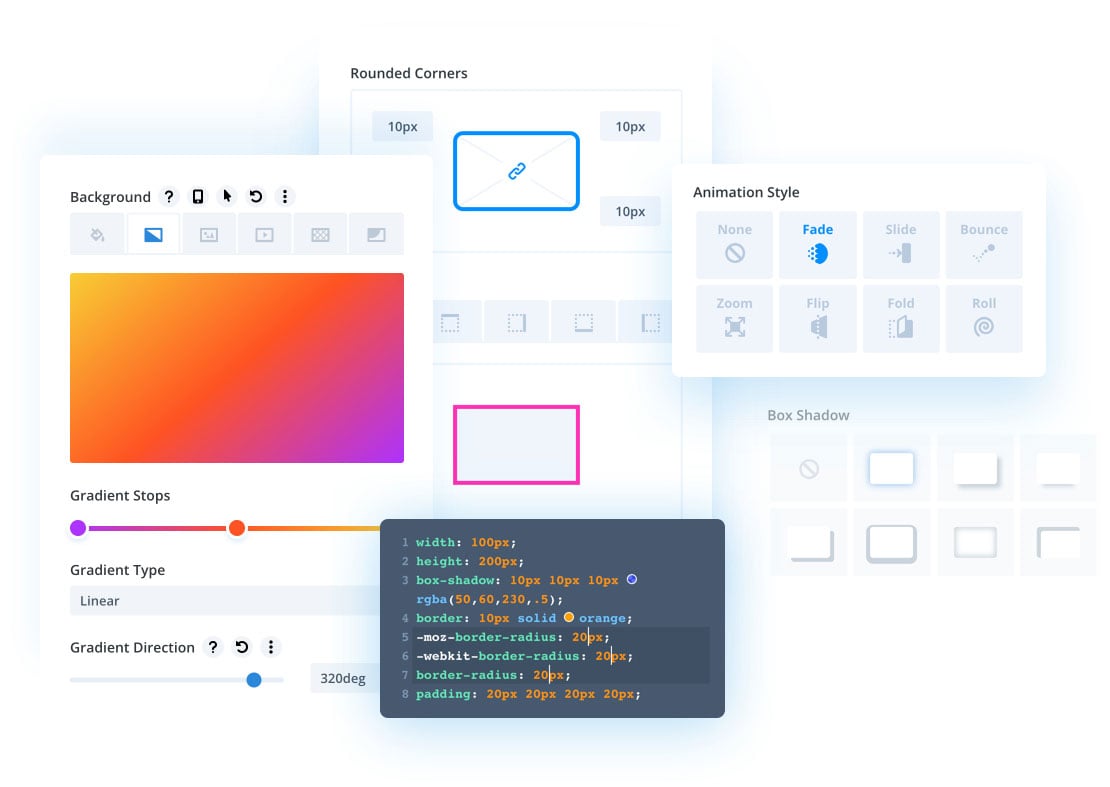
Hover State Styling
Using hover options, you can create stunning hover effects and transform Divi modules into fun and interactive elements. Our hover option interface is unique and amazingly easy to use. Every design setting in Divi that supports transitions can now be customized on hover with ease.
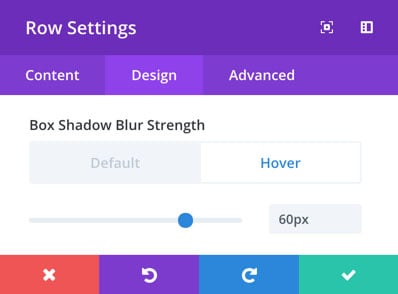
Responsive Editing
Making responsive websites is easy with Divi. Divi is responsive by default, but takes responsive design a step further by giving you complete control over every design setting on each mobile device. This allows you to perfectly tailor the appearance of each element on computers, tablets and smart phones.
Fonts & Text Styling
Enjoy a full range of text and font options. Pick from hundreds of web fonts or upload your own. Customize text sizes, letter spacing and line height. Change font weights and text styling. Control all standard text elements, such as anchor links, lists and block quotes.
Shape Dividers
Add custom shapes and effects to your pages, creating dynamic transitions between blocks of content and adding that extra bit of personal flare to your website. Shape Dividers can be placed above and below each section on your website, allowing you to easily build stunning transition effects between different parts of your page.
Border Options
Add borders to any element using Divi’s robust border editor. Create rounded corners. Control border sizes, colors and styles and create unique effects by adjusting each edge of your element individually.
Transform Controls & Effects
Divi gives you the power to transform elements right on the page in ways that would typically only be possible in graphic design programs like Photoshop and Sketch. You can move elements around, scale them up and down, rotate on three different axis, as well as skew and adjust the transform origin with ease. All of this is done using a super slick interface that makes each transformation easy to perform and understand.
Advanced Code Editing
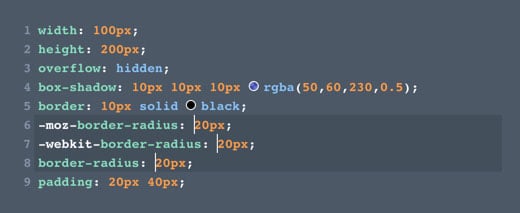
Enjoy a fully-featured code editor that makes writing and editing code so much easier and enjoyable. Features include syntax highlighting, error reporting, auto-complete, color picking, multi-line select, search, find and replace and more. Add custom CSS to any element or add your own code to any page using the Divi code module.
Filters & Effects
Easily adjust and enhance the appearance of any element using a range of filters and effects, including Hue, Saturation, Brightness, Contrast, Invert, Blur, Opacity and Sepia. Create stunning designs using background blend modes.
Drop Shadows
Add depth to your page by creating custom drop shadows. You have full control over the size, position, color and intensity of the shadow. They’re easy to create and you don’t have to mess with any graphic design programs!
Text Shadows
Create stunning text effects using text shadows. Easily apply text shadows to any element using Divi’s simple presets, or create your own custom text shadows using the full set of controls.
Animations
Easily add animations to any element. Apply simple animations using Divi’s animation presets, or build your own animations by customizing the animation type, speed and direction. Wow your visitors as they scroll down the page with stunning animations that trigger when elements come into view.
Background Images, Colors, Gradients, & Videos
Apply custom background colors, background gradients, background images and background videos to any element. Create fun overlapping gradient and image effects or use background blend modes to merge colors and images to create unique designs.
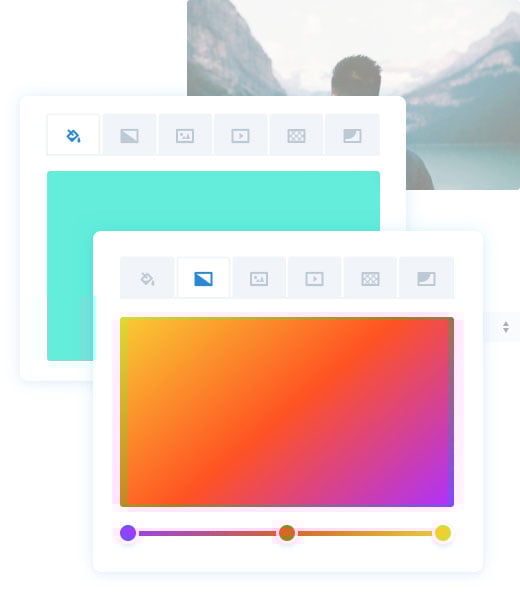
Background Masks And Patterns
Background masks can be used to mask background images, gradients or videos to create new shapes. This opens up a huge range of design possibilities and allows you to create beautiful, lightweight shapes inside the builder without having to use graphic design programs like Photoshop. Masks can be combined with patterns, which add texture on top of your background elements.
Sticky Headers And Stacking Content
Sticky elements “stick” to the screen as a user scrolls up and down the page. You can stick elements to the top and bottom of the browser and even let them stack up. Highlight relevant information, such as menus and navigation, or surface relevant content and build a narrative as users scroll down your page.
Advanced Animations And Scroll Effects
Craft stunning motions effects that interact with your visitors as they scroll up and down the page. These aren’t static animations, they are alive and change based on user interaction. Using Divi’s motion effects, you can create some truly stunning designs that grab your visitors attention and keep them engaged.
Advanced Display Conditions
Divi’s condition options allow you to apply advanced display logic to any element. You can hide or display elements based on a set of conditions that you define, such as user role, date and time, post information, website location and more. You can do so much with Divi’s advanced conditions. Display product info to customers based on which products they have purchased. Display different content to users when they log in. Create content that appears for the duration of a sale and then disappears automatically when the sale is over. The possibilities are endless!